Build the questions
Start with a proven format or shape a guided chain. No specialist required.
Conejo makes surveys easy to launch, then gives every response somewhere useful to go. Build guided follow-up, invite people by QR code, and watch the dashboard update as they answer.
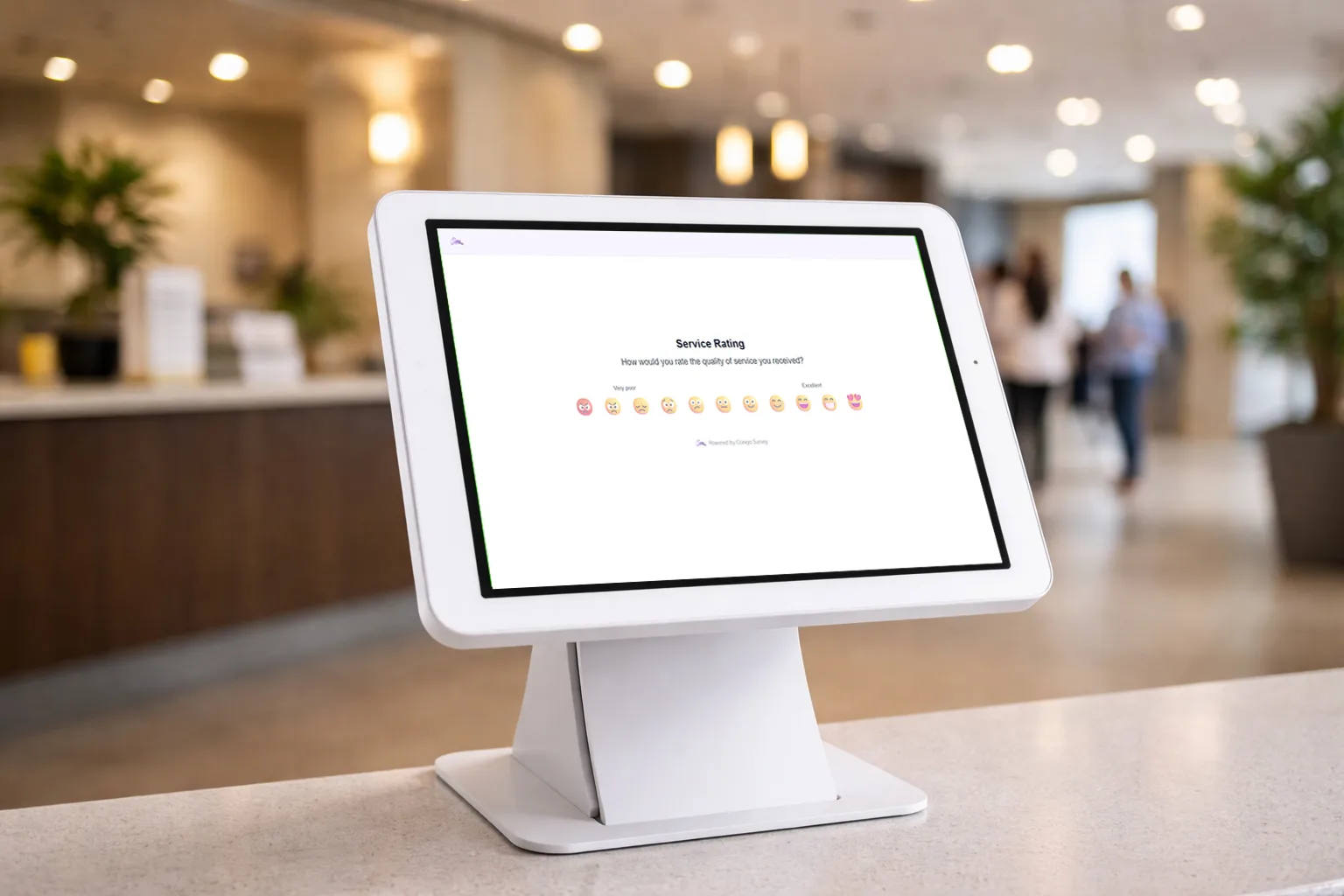
From question to next step
Start with a proven survey type, add follow-up paths with a visual chain, and share the experience by link, QR code, embed, or kiosk.
Start with a proven format or shape a guided chain. No specialist required.
Share a link, show a QR code, embed it, or set up a walk-up kiosk.
Watch the signal form, share the result, and decide what happens next.
Dashboards built in
Conejo creates the charts, scores, comments, and response feed for you. Every view stays current as new answers arrive.
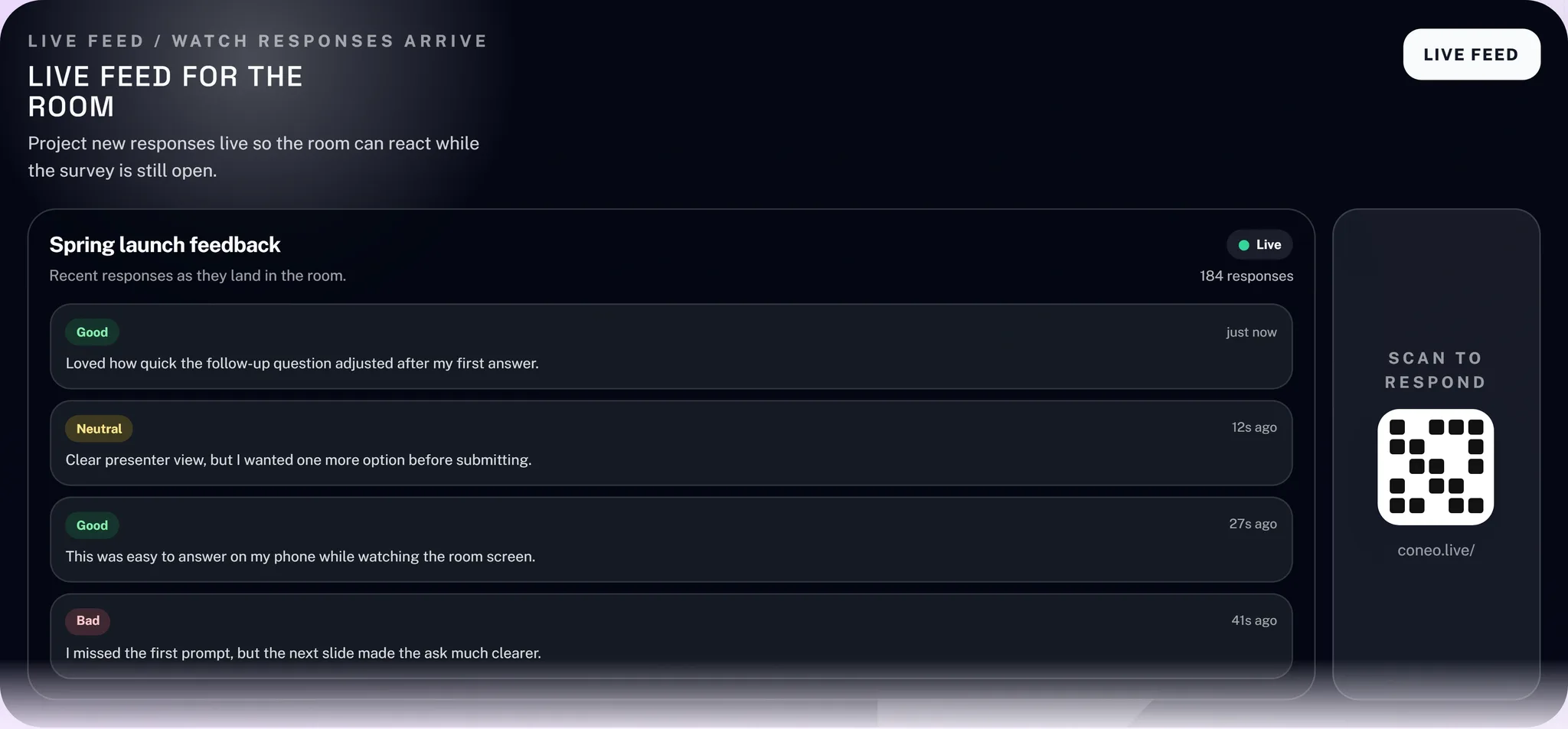
The practical differences
A direct look at what changes when feedback grows beyond a basic form and spreadsheet.
See charts, scores, and comments immediately, then export the data to a spreadsheet whenever you need it.
Ready nowStart with one simple question or build a custom workflow that branches into different follow-ups based on scores and choices.
Simple or customShare a direct link, embed the survey, invite a room by QR code, present live results, or turn a shared tablet into a self-resetting feedback station.
Share anywhereCreate a respondent experience that belongs to your organization.
White-label on ProTry Conejo free
Rebuild one Google Form that currently ends in a spreadsheet. Run it in Conejo and compare how quickly your team can see and use the result.
Built for real feedback
Give people an easy way to respond and give your team guided flows, live participation, and results that are ready to use.

Presenter mode and QR joining turn feedback into part of the session.
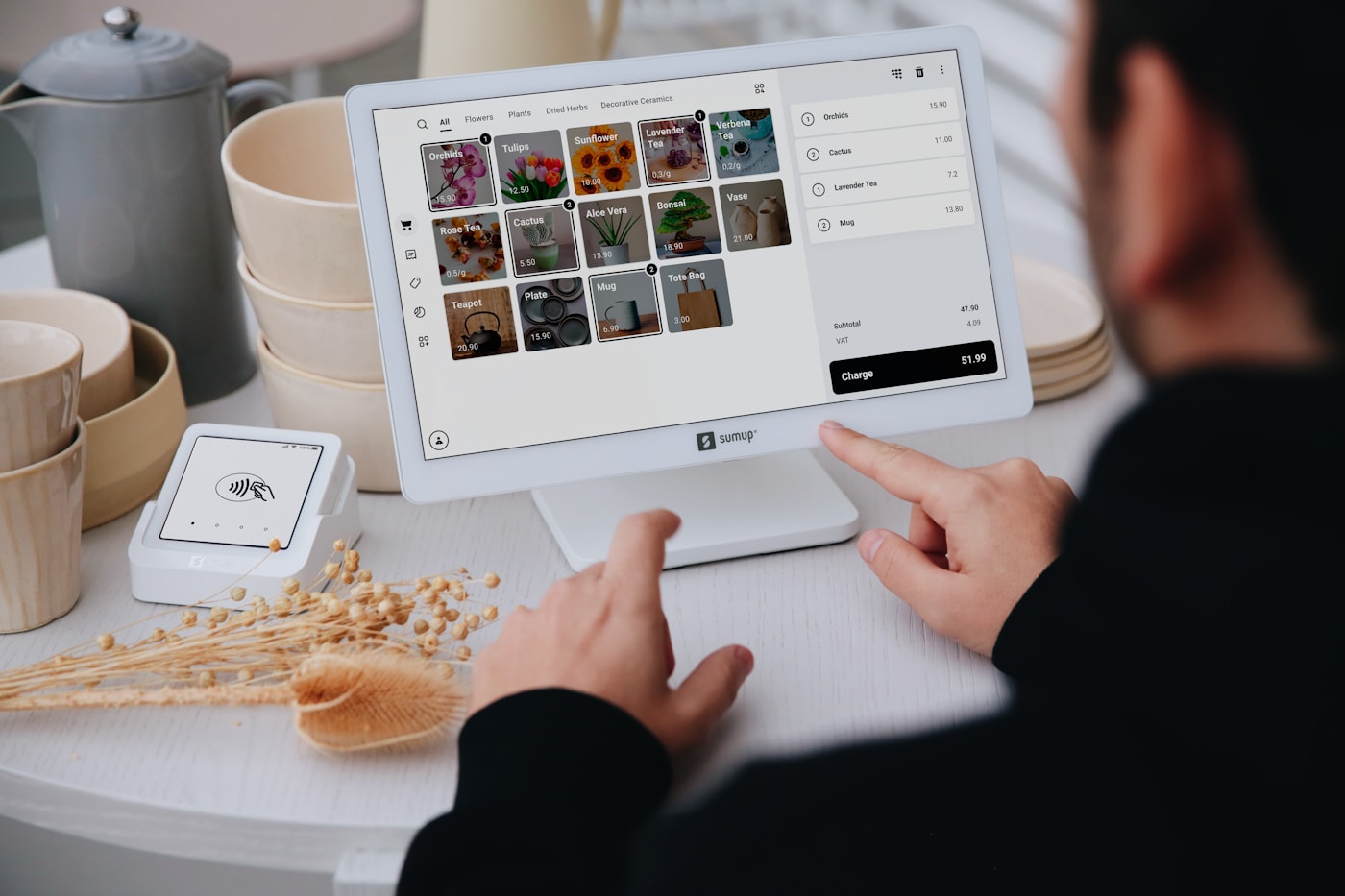
Kiosk mode keeps collecting without someone resetting the experience.

Live dashboards replace the wait between collecting feedback and using it.
Make every response useful
Start with one question or build a complete feedback workflow with live dashboards, flexible sharing, and your brand. Your first 100 responses are free.